
Introducing the mWater Integrator: AI-Powered Data Import and Export
Connect any external data source to mWater, or share mWater data with any external system, using plain language. The AI builds the integration for you.
The Problem
Organizations working in water, sanitation, health, and development collect data across dozens of systems such as borehole loggers, national health information systems like DHIS2, IoT sensors, weather APIs, accounting software, and more. Getting that data into one place for analysis has traditionally required hiring a developer to write custom API code and maintaining that code indefinitely. Getting data out of mWater into tools like Power BI or national MIS platforms has relied on datagrids and special steps, or bespoke API code.
The Solution
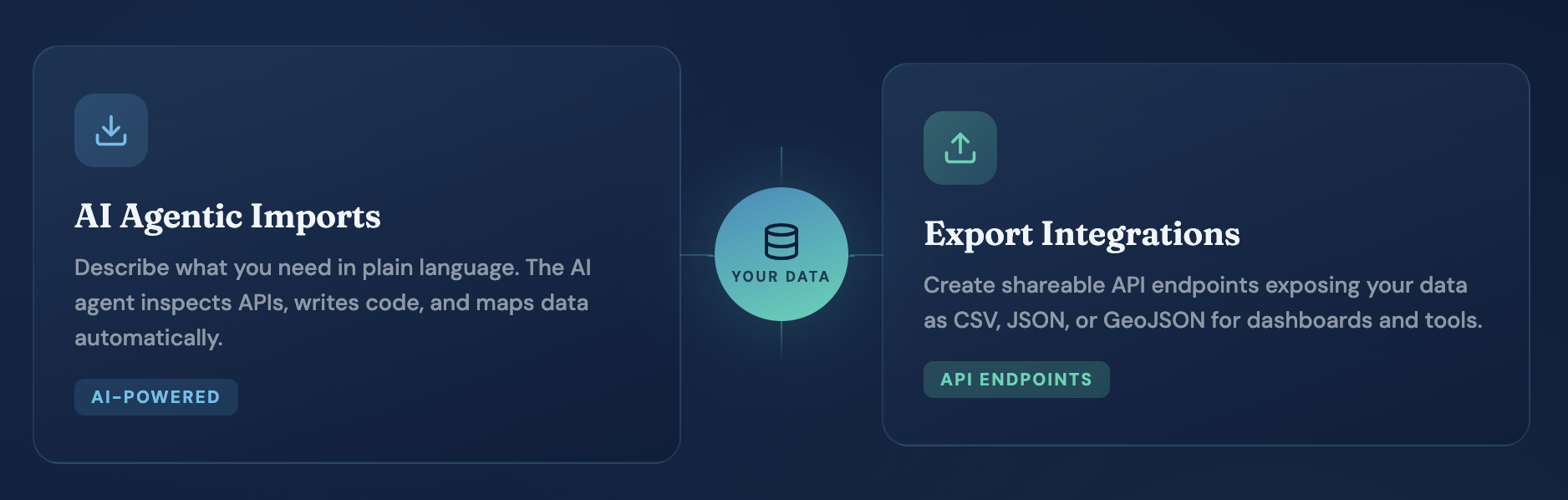
The Integrator eliminates the need for custom development entirely. Instead of writing code, you describe what you need in plain language. An AI assistant inspects the external API, writes the integration code, maps the data to the correct table structure in mWater, and sets up a recurring schedule through a guided conversation. This means there’s no API expertise required and no code to maintain.
How It Works
Importing Data
Describe your need. Tell the assistant what data you want and from where, for example, "Import daily weather data from Open-Meteo for Lusaka, Zambia: precipitation, max/min temperature, and relative humidity for the last 90 days."
Paste documentation if available. For authenticated or complex APIs, you can drag in documentation to give the AI more context.
Review and refine. The AI creates the table structure, writes the fetch-and-transform code, and shows you sample data. If something isn't right, just ask it to adjust.
Set a schedule. Choose manual, daily, weekly, or monthly updates. Decide whether each run overwrites existing data or appends new records on top.
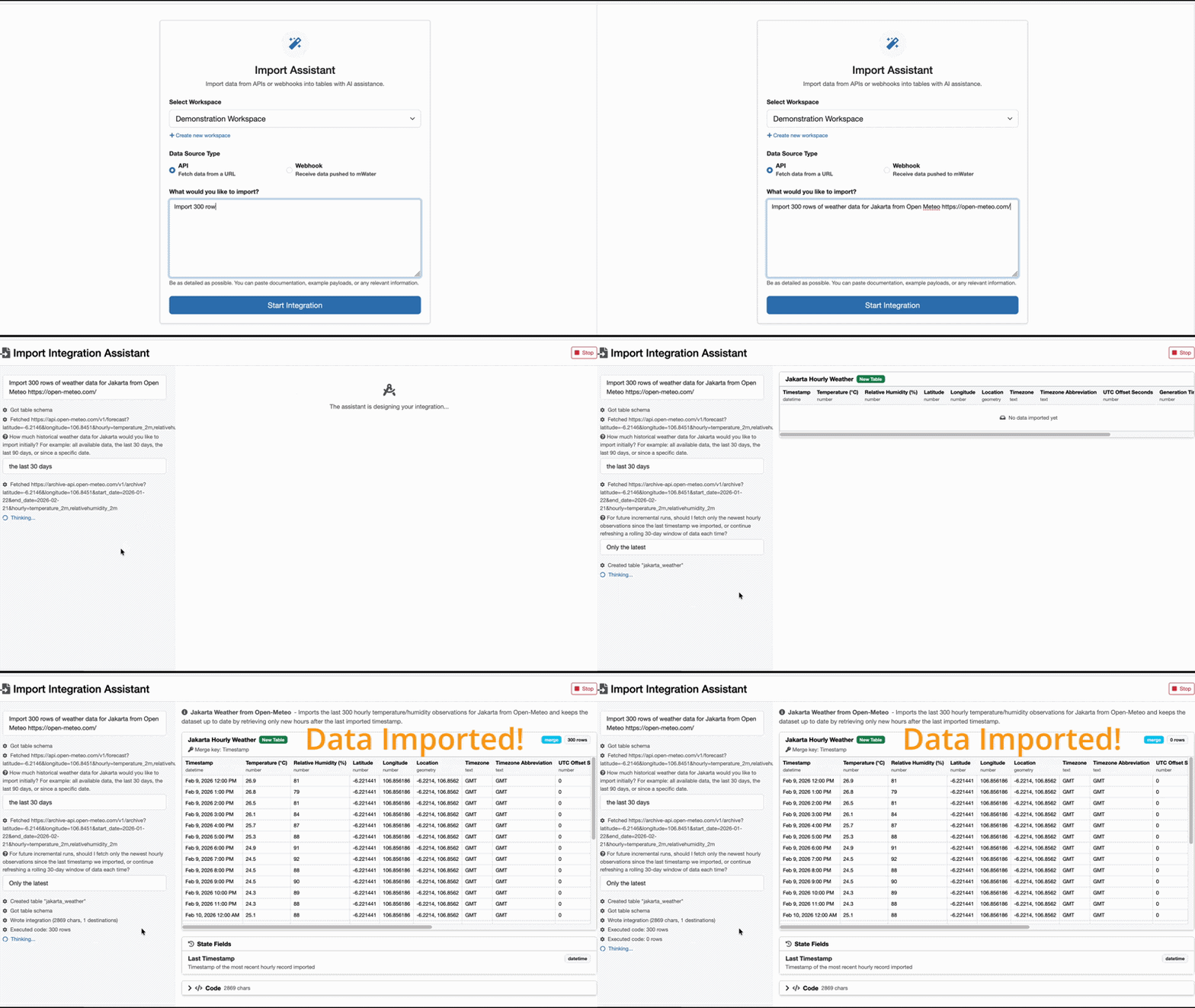
An example of importing Jakarta weather data into mWater
Exporting Data
Select a data source. Choose from your sites, surveys, indicators, or tables.
Filter and configure. Narrow down to the rows and columns you need, for example, all water points in Zambia that have functional status data.
Get a shareable URL. The Integrator generates an API endpoint that serves your data as CSV, JSON, or GeoJSON. Paste this URL into Power BI, a GIS tool, a national MIS, or any system that consumes web data.
That's all you need. The external system pulls fresh data from that URL whenever it needs it.
Use Cases
Import examples:
Daily weather and climate data from Open-Meteo or other meteorological APIs
DHIS2 health indicators (e.g., cholera surveillance data)
Borehole water level logger readings
Smart water meter consumption data
National MIS datasets for overlay analysis
Satellite-derived drought and flood indicators
Water quality lab results
IoT sensor readings (flow, pressure, turbidity)
Financial transactions from accounting software
Export examples:
Site and survey data to Power BI or Tableau for business intelligence
Geospatial site data to GIS tools (QGIS, ArcGIS) via GeoJSON
Waterpoint functionality indicators to national MIS or DHIS2
Indicator values and water quality results for partner reporting
Asset registries and summary datasets for external stakeholders
Built on a Secure Foundation
Behind the scenes, AI-generated integration code runs inside a sandboxed JavaScript environment with strict memory limits, network safeguards, and encrypted credential storage. API keys and tokens are stored separately from integration logic, so you can rotate credentials without re-running the AI. Export URLs can be reset at any time to revoke access.
Free for All Users
The Integrator was generously funded by UNICEF Madagascar and is now available to every mWater user at no additional cost. You'll find it under Manage → Integrations in the mWater portal.
Get Started
Visit portal.mwater.co, navigate to Manage → Integrations, and create your first import or export in minutes. If you have questions or feedback, reach out to us because we're always iterating our features to serve our users. Email: info@mwater.co